Search & sharing
Ready for Google.
Each page gets its own title (60 characters), description (155), keywords and a 1200×630 share image. Published sites include a sitemap, robots file and local-business structured data.
Website builder
Start from a template made for your trade, change anything by clicking and typing, and publish when you're happy - on a free subdomain or your own domain.
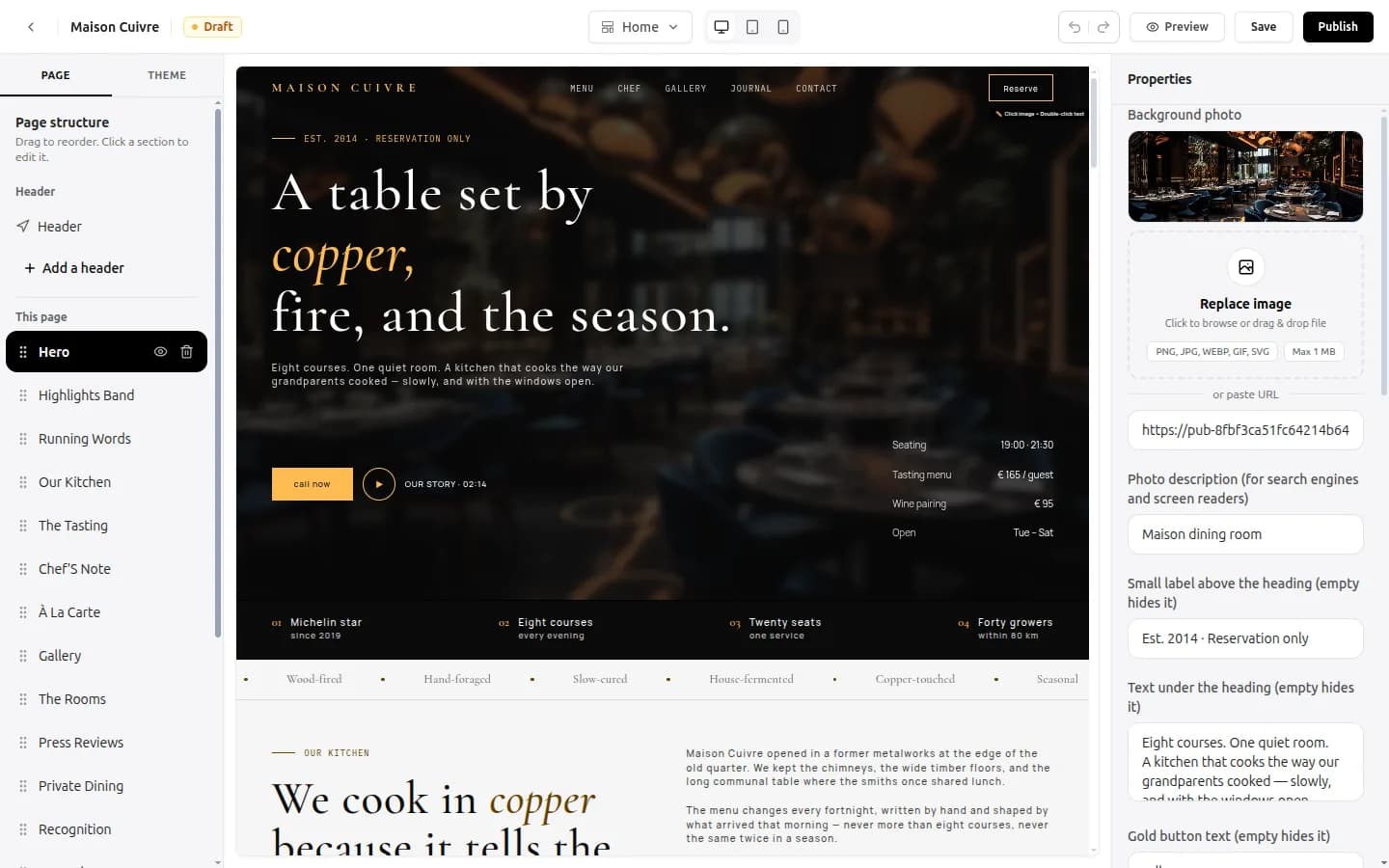
Each one has the pages and sections that trade needs.
Sections, text, photos, colours and fonts - no code.
Live on yourbusiness.oreym.com instantly; your own domain any time.
The editor
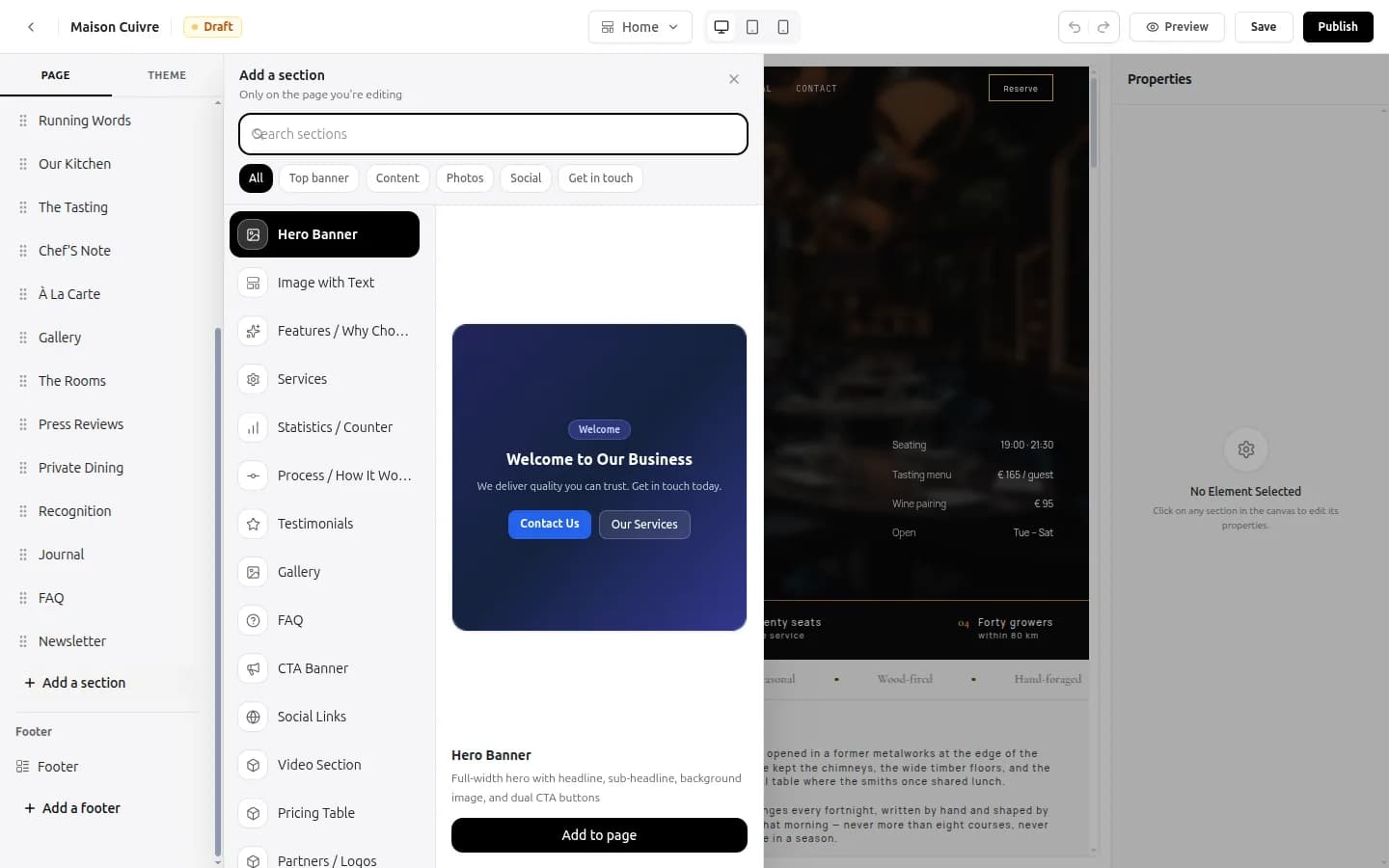
Pages
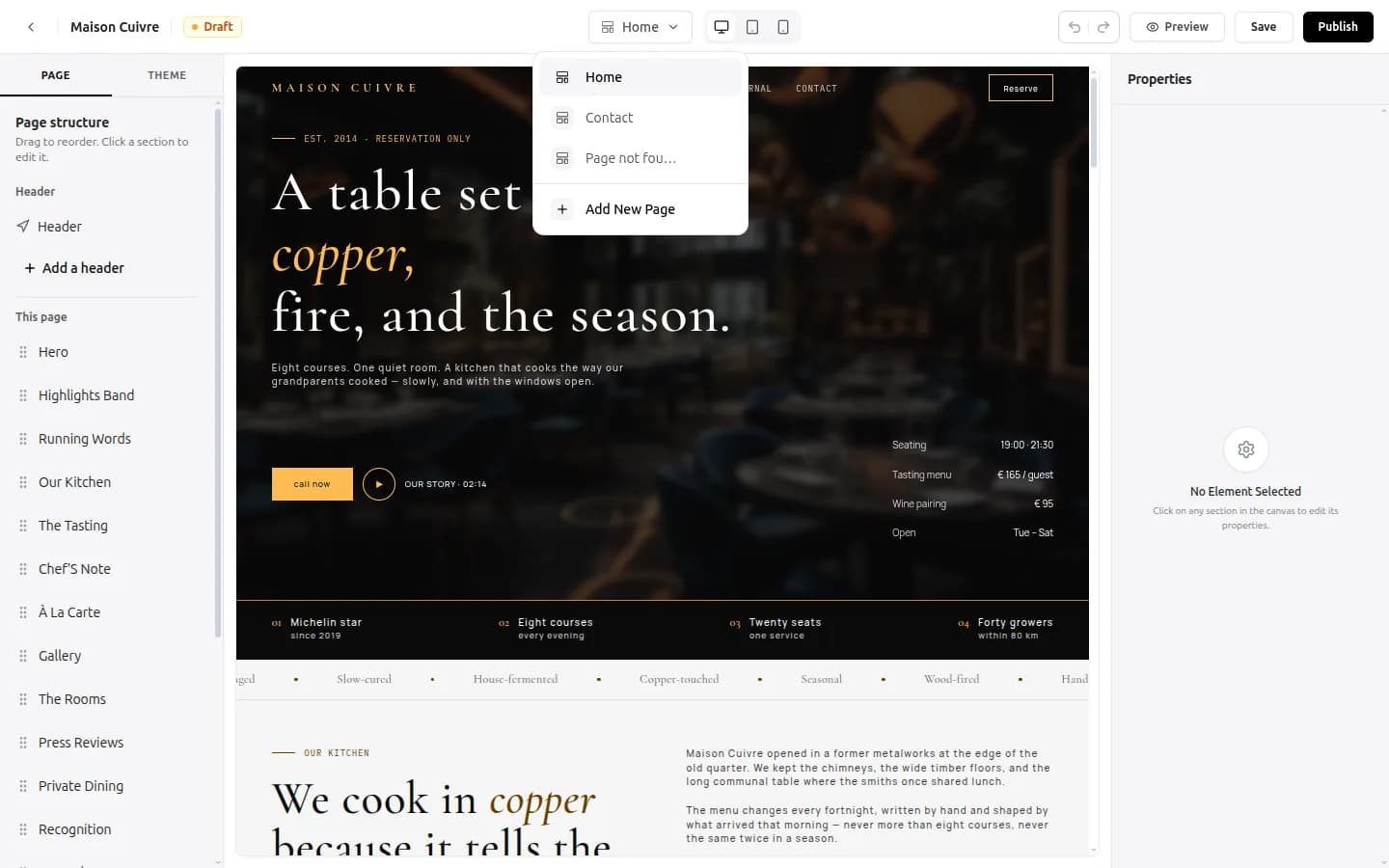
Domains
Search & sharing
Each page gets its own title (60 characters), description (155), keywords and a 1200×630 share image. Published sites include a sitemap, robots file and local-business structured data.
Media
Images up to 1 MB are converted to WebP; videos up to 100 MB are compressed to 720p.
For developers
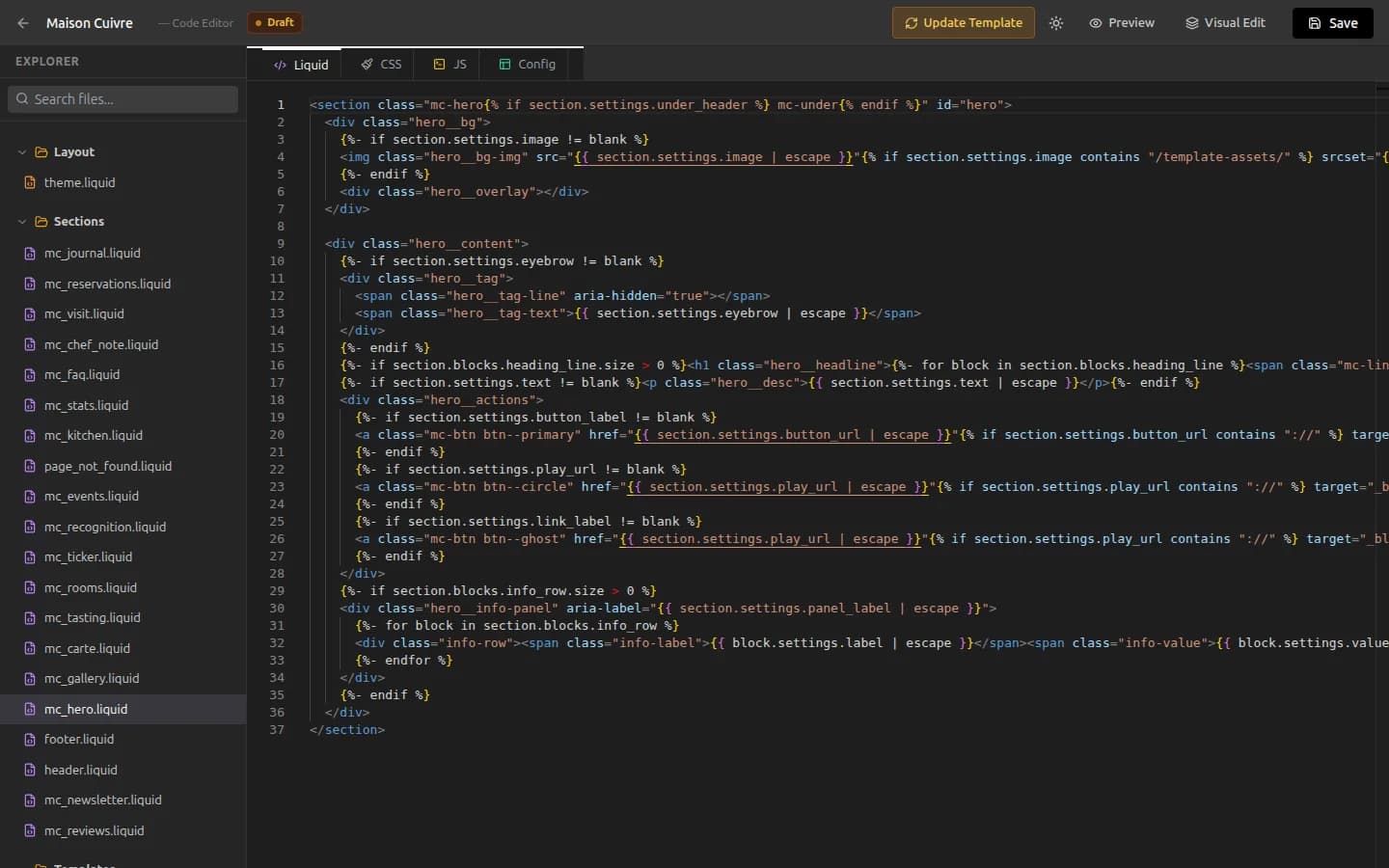
Templates
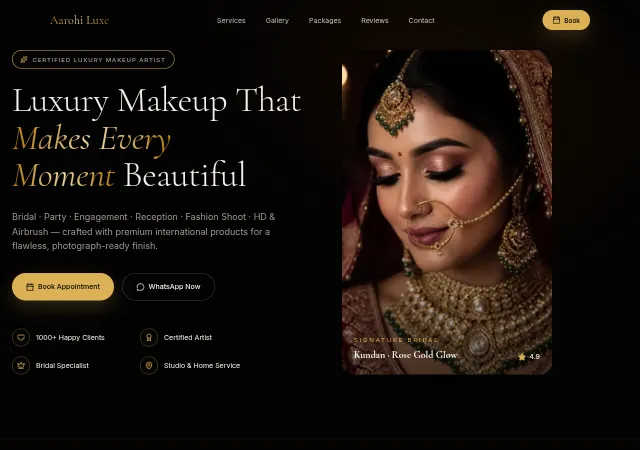
Beauty & Makeup
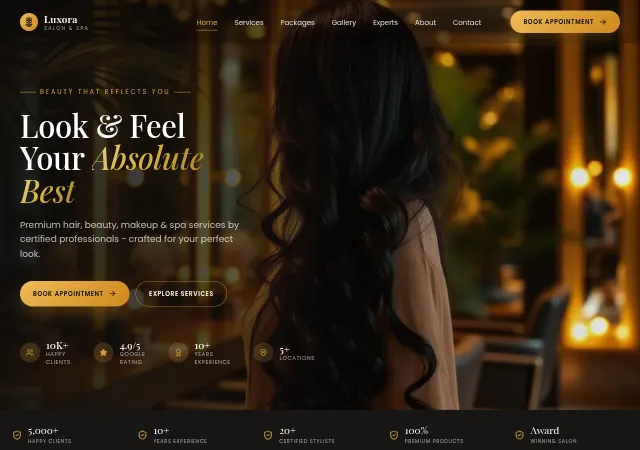
Beauty & Wellness
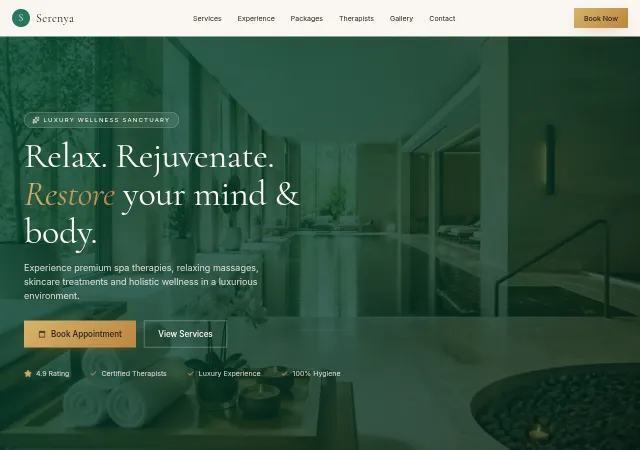
Beauty & Wellness
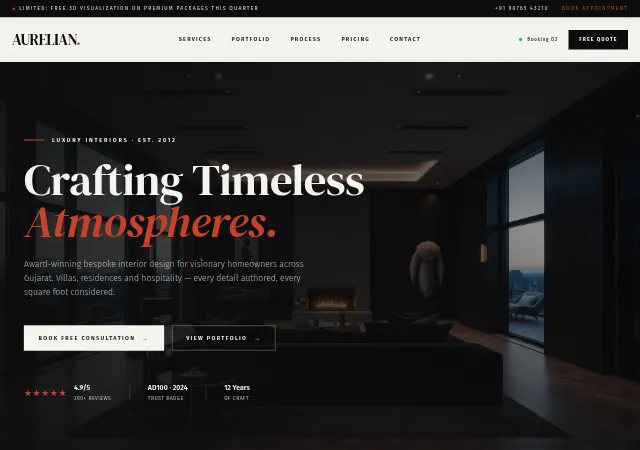
Interior Design
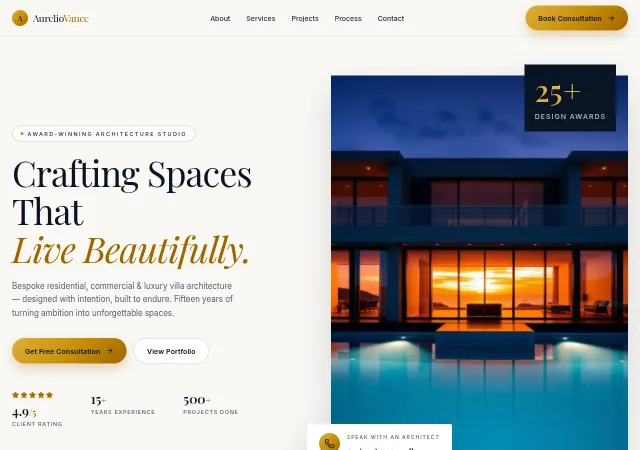
architecture
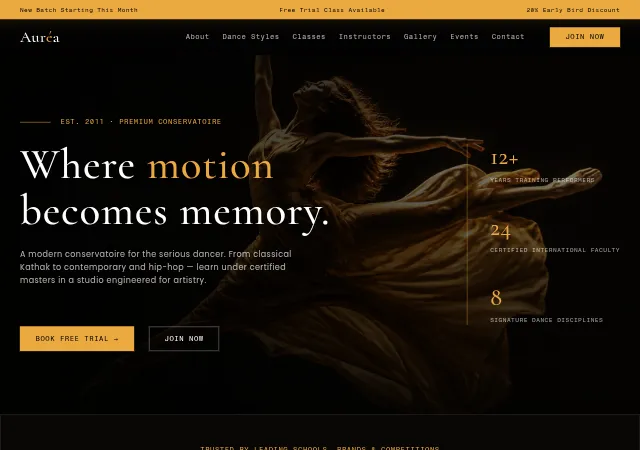
dance academy
One website can be live per account at a time - publishing another takes the previous one offline. Drafts: 5 on Basic, 10 on Go, 25 on Premium.
Yes. Most templates start with Home, Contact and a 404 page, and you can add pages from the page menu in the editor.
Pick a template today and have your business online by tonight.
Plans from ₹150/month after the trial See pricing