
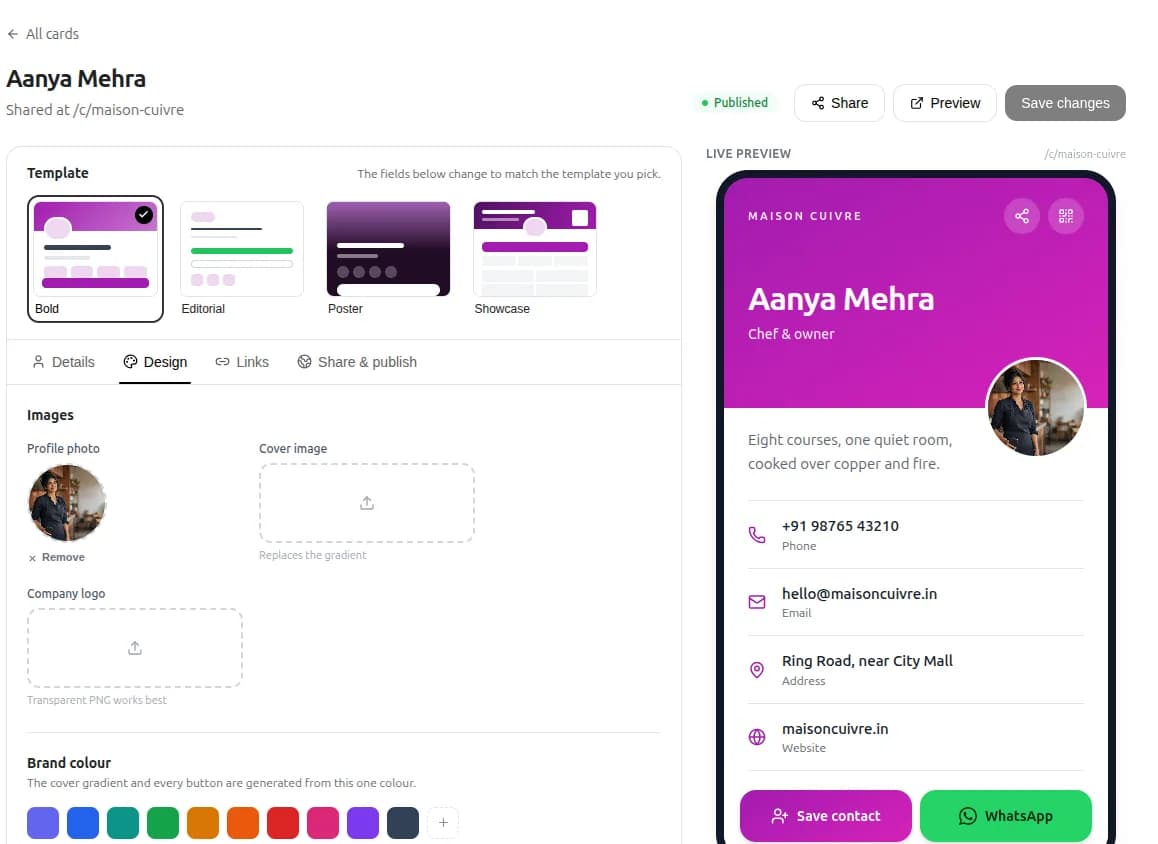
A digital business card - also called a digital visiting card - is a small web page with your photo, contact buttons and links. You share it as a QR code or a link, and the other person can call, chat, get directions or save your contact in one tap. No app is needed on either side. Here is how to make one that actually brings work in.
01Why switch from paper
Paper cards still have a place, but they have limits: they run out, they go out of date when your number changes, and most end up in a drawer.
- Always current - change your phone number or offer once and every shared card shows it.
- One tap to act - call, WhatsApp, email and directions buttons, instead of typing a number by hand.
- Easy to pass on - a happy customer can forward your card to a friend on WhatsApp in seconds.
02What to put on your card
Keep it short. A card is a starting point, not your whole website.
- A clear photo - your face for a personal service, your logo or shopfront for a shop.
- Your name, business name and one line on what you do and where: “Electrician - Vadodara, same-day visits”.
- Buttons for Call, WhatsApp, Email and Directions.
- Links to your website, Google reviews and one or two social profiles you keep active.

03Make the QR code work for you
Indian customers already scan QR codes every day to pay with UPI, so scanning to save a contact feels natural.
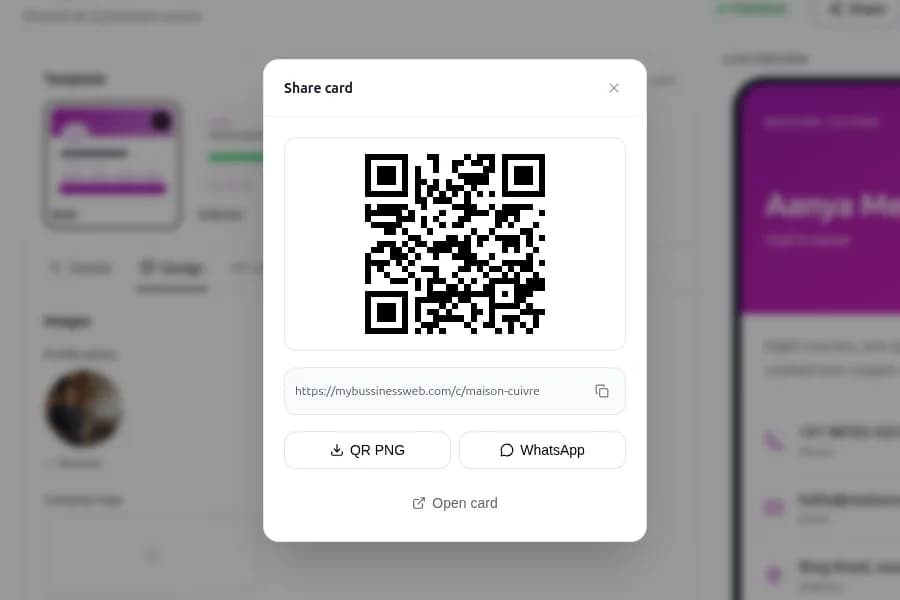
- Print the QR code on your counter stand, shop door, invoices, delivery bags and vehicle.
- Print it at least 2 cm wide, with plenty of white space around it.
- Add a short line next to it, such as “Scan to save our number”, so people know what they get.
- Test it with two or three different phones, including in low light, before you print a batch.

05Make yours in a few minutes
With OREYM digital business cards you add your photo, contact buttons and links, then share by QR code, WhatsApp or link. People can save your contact in one tap, and if you also have an OREYM website, the card and site use the same business details.
06Your checklist
- A clear photo and a one-line description of what you do and where
- Call, WhatsApp, Email and Directions buttons
- Links to your website and Google reviews
- Details that match your Google profile exactly
- QR code tested on several phones and printed at the counter
- Card link in your WhatsApp profile, Instagram bio and email signature
Common questions
Does the other person need an app to open a digital business card?
No. A digital card is a web page, so it opens in any phone browser from a QR code or a link.
What is the difference between a digital card and a QR visiting card?
A digital card is the online page itself. A QR visiting card is a printed card with a QR code that opens the digital card, so you get both.
Can I update my card after I share it?
Yes. Because the card is online, changes show up for everyone who already has the link or QR code.
Written by Sahil Patel
Product & growth, OREYM
Sahil works with shop owners, clinics and service businesses across India on getting found online and turning visitors into enquiries.


