
When someone types “salon near me” or “AC repair in Ahmedabad”, Google shows a map and a short list of businesses. Getting into that list is not luck. It comes from a few simple things done well and kept up to date. This checklist covers them in the order we suggest, and each step takes an afternoon or less.
01Claim your Google Business Profile
Your Google Business Profile is the card that appears on Google Maps and in the map results. It is free, and it is the single biggest thing you can do for local searches.
- Search for your business on Google Maps. If it already exists, choose Claim this business; if not, add it.
- Pick the most specific primary category you can - “South Indian restaurant” beats “Restaurant”.
- Add your opening hours, including holiday hours, and keep them correct.
- Upload at least ten real photos: the shopfront, the inside, your team and your work.

02Use the same name, address and phone everywhere
Google cross-checks your details across the web. If your profile says “Shop 4, MG Road” and your website says “4 Mahatma Gandhi Rd”, it is less sure they are the same business.
Write your name, address and phone number once, exactly as you want them, and copy that text to your website, your Google profile, JustDial, IndiaMART, Instagram and your digital business card.

03Get a website on your own domain
A Google profile shows who you are. A website shows why a customer should choose you. Google also links your profile to your website, and a real site on your own domain looks more trustworthy than a social page alone.
- One clear page per main service, with the town or area in the heading.
- Your prices, or a “from ₹…” starting price, so people do not have to call just to ask.
- A contact page with a map, your hours and a simple enquiry form.
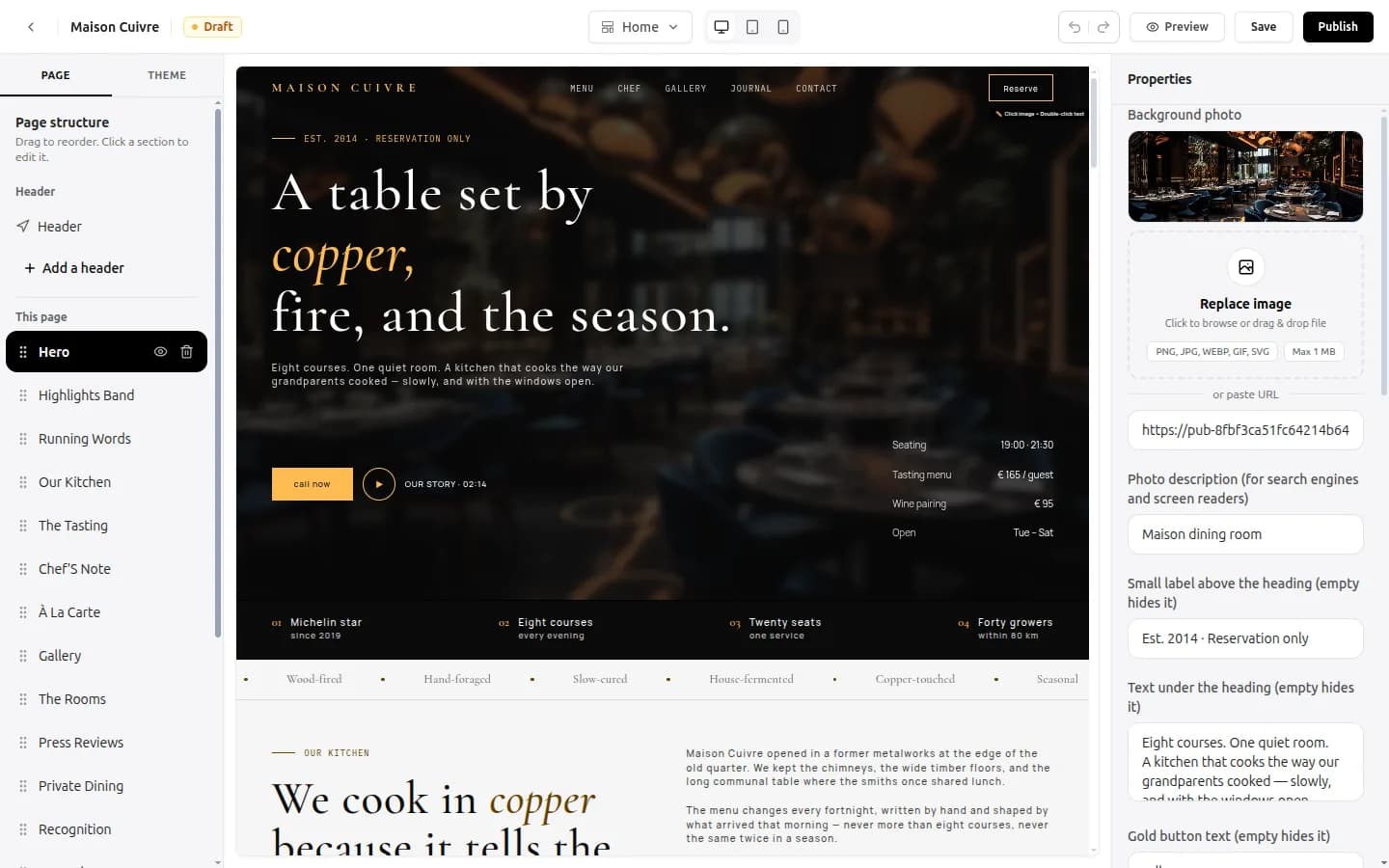
With the website builder you can start from a template for your trade, change the words and photos in the visual editor and connect your own domain.
04Write page titles people would actually search
Every page has a title and a short description that Google shows in its results. They are often left as “Home” - a missed chance.
- Title: what you do + where. For example, “AC Repair & Service in Surat - Same-Day Visits”.
- Description: one sentence on why you, plus a reason to click - years in business, a guarantee or a starting price.
- Give every page its own title. Two pages with the same title compete with each other.
05Ask every happy customer for a review
The number of reviews, how recent they are and how you reply to them all affect where you appear. Customers read them too: most will not call a business with no reviews.
- Copy the review link from your Google profile and send it on WhatsApp right after the job is done, while the customer is still pleased.
- Put a QR code that opens the review page on your counter or bill.
- Reply to every review, good or bad, within a few days. A calm reply to a bad review wins more trust than it loses.

Never pay for reviews or post them yourself. Google removes them and can suspend your profile.
06Make sure it works on a phone
Most local searches happen on a mobile phone, often on the move. If your site is slow or the phone number is hard to tap, people go back and pick the next result.
- Open your site on your own phone over mobile data. Does it load in a few seconds?
- Is there a call or WhatsApp button you can tap with your thumb?
- Are the photos compressed? Large photos are the most common reason a small site is slow.

07Keep it fresh
Profiles and sites that change show Google the business is open and active. Set a small monthly routine:
- Post an offer, a new product or a recent job on your Google profile.
- Add new photos to your website gallery.
- Check your hours before every festival and holiday.
08Your checklist
Save this list and tick it off over the next two weeks:
- Google Business Profile claimed, verified and in the right category
- Same name, address and phone on every site and listing
- A website on your own domain with a page per main service
- A unique title and description on every page
- A review link shared with every happy customer
- Site tested on a phone over mobile data
- A monthly update on your profile and website
Common questions
How long does it take to show up on Google Maps?
Once your Google Business Profile is verified, it usually appears within a few days. Ranking higher in the map results takes longer and depends on reviews, accurate details and how active your profile is.
Do I need a website if I already have a Google Business Profile?
The profile gets you onto the map; a website gives customers the detail they need to choose you, and Google uses it to understand your services. Most local businesses do best with both.
Is a Google Business Profile free?
Yes. Creating and managing a Google Business Profile is free.
Written by Sahil Patel
Product & growth, OREYM
Sahil works with shop owners, clinics and service businesses across India on getting found online and turning visitors into enquiries.


