
In India, most customers would rather send a WhatsApp message than fill in a long form or call a number they do not know. If your website makes that hard, they leave. This guide shows how to build a click-to-chat link, where to put it, and how to reply so more chats turn into paying customers.
01Use WhatsApp Business, not your personal number
The free WhatsApp Business app runs on a normal phone and keeps your shop chats apart from family groups. It adds things a personal account does not have:
- A business profile with your address, hours, website and a short description.
- A greeting message for first-time chats and an away message for after hours.
- Quick replies - saved answers to common questions, sent by typing a shortcut like `/price`.
- Labels such as “New enquiry”, “Quote sent” and “Paid”, so nothing is forgotten.
02Build your click-to-chat link
A click-to-chat link opens a WhatsApp chat with you without the customer saving your number. It looks like this: wa.me/919876543210 - the country code 91 followed by your 10-digit mobile number, with no +, spaces, dashes or leading zero.
You can add a ready-made first message, so you know where the chat came from. Put `?text=` after the number and write the message, with spaces as `%20`. For example: wa.me/919876543210?text=Hi%2C%20I%20saw%20your%20website.

03Put the button where people decide
One link in the footer is easy to miss. Place the button wherever a customer is ready to ask:
- At the top of the page, next to your phone number.
- Under every service and price, with a message about that service.
- On the contact page, beside the map and the enquiry form.
- On your digital business card, so people who scan it can message you straight away.
Write a clear label. “Chat on WhatsApp” or “Get a quote on WhatsApp” works better than a lone icon, because people know exactly what will happen.
04Keep a form for people who prefer it
Not every customer wants to chat. Some are at work, some want to send details once and wait for a quote, and some write after midnight. A short enquiry form catches them.
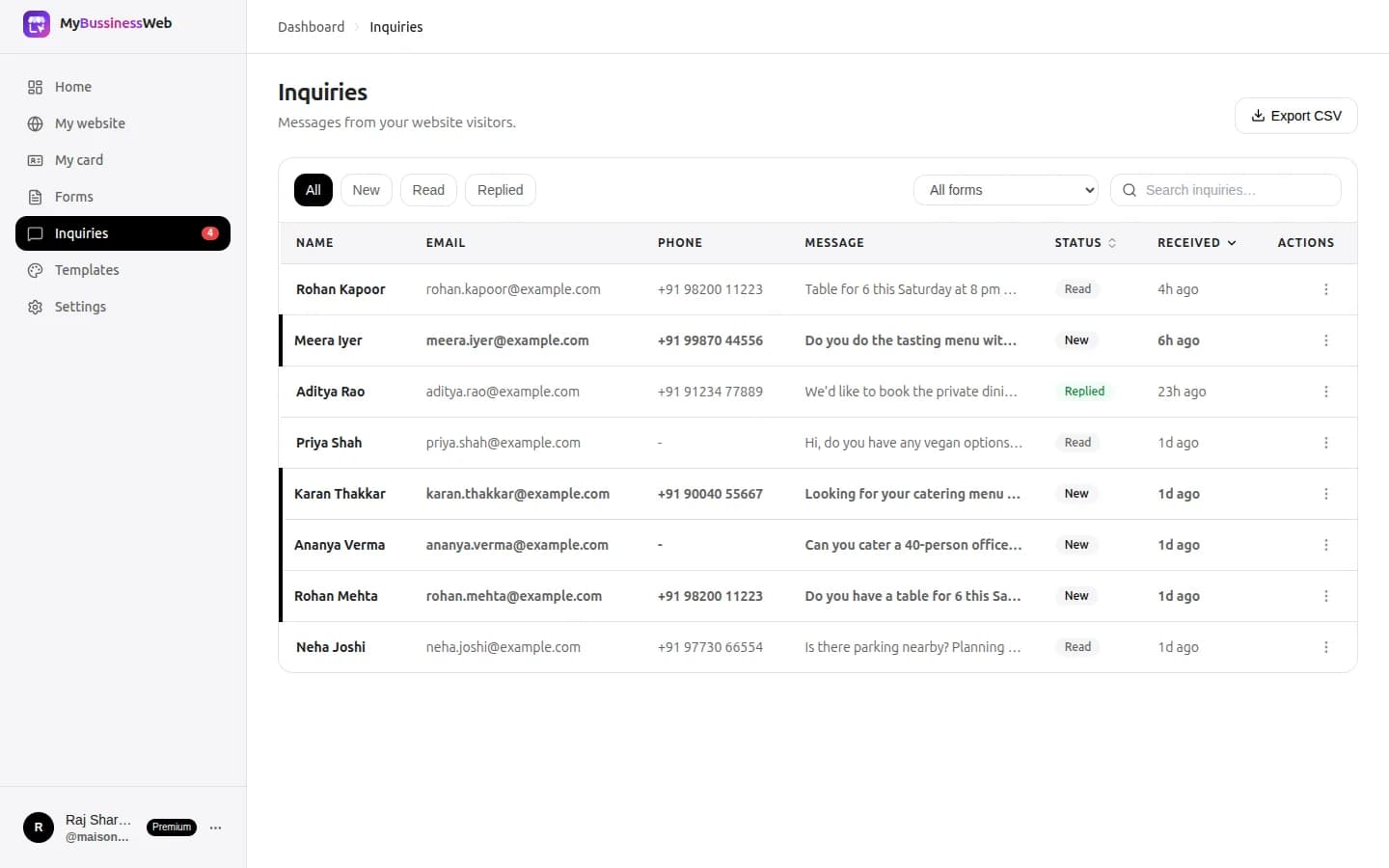
With forms and inquiries, every form on your OREYM website lands in one inbox. On a phone, each inquiry has Call and WhatsApp buttons, so you can reply in the channel the customer likes.

06Follow up once, then let it go
Many enquiries go quiet because the customer got busy, not because they said no. A single polite reminder a day or two later brings many of them back.
Do not send broadcast offers to people who have not agreed to hear from you. WhatsApp lets people block and report a business, and too many reports can restrict your account.
07Your checklist
Set this up in one afternoon:
- WhatsApp Business app installed with a full business profile
- Greeting, away message and five quick replies saved
- A wa.me link with a first message for each main page
- A labelled chat button at the top, under each service and on the contact page
- A short enquiry form for people who prefer not to chat
- Labels to track each enquiry from first message to payment
Common questions
Is a WhatsApp click-to-chat link free?
Yes. wa.me links are free to create and use. You only need the number in international format, for India 91 followed by the 10-digit mobile number.
Can a customer message me without saving my number?
Yes. A wa.me link opens a chat with your number directly, so the customer does not need to add you as a contact first.
Should I use the WhatsApp Business app or the API?
Most small businesses only need the free WhatsApp Business app. The Business Platform (API) suits larger teams that need many agents or automation.
Written by Sahil Patel
Product & growth, OREYM
Sahil works with shop owners, clinics and service businesses across India on getting found online and turning visitors into enquiries.


