
Your enquiry form is the last step between a visitor and a new customer. Every extra field, unclear button or confusing error is a reason to give up. These are the simple fixes that make the biggest difference for a local business website.
01Ask for less
Each field you add makes the form feel like more work. Start with what you need to reply, and ask the rest in the conversation.
- Name - so you can greet them.
- Phone number - most local customers prefer a call or a WhatsApp reply.
- What they need - a short dropdown of your main services.
- Message - optional, for details.
02Ask questions that help you quote
One or two smart questions save a round of back-and-forth. Pick the ones that change your price or your answer:
- AC repair: number of units and the type - split or window.
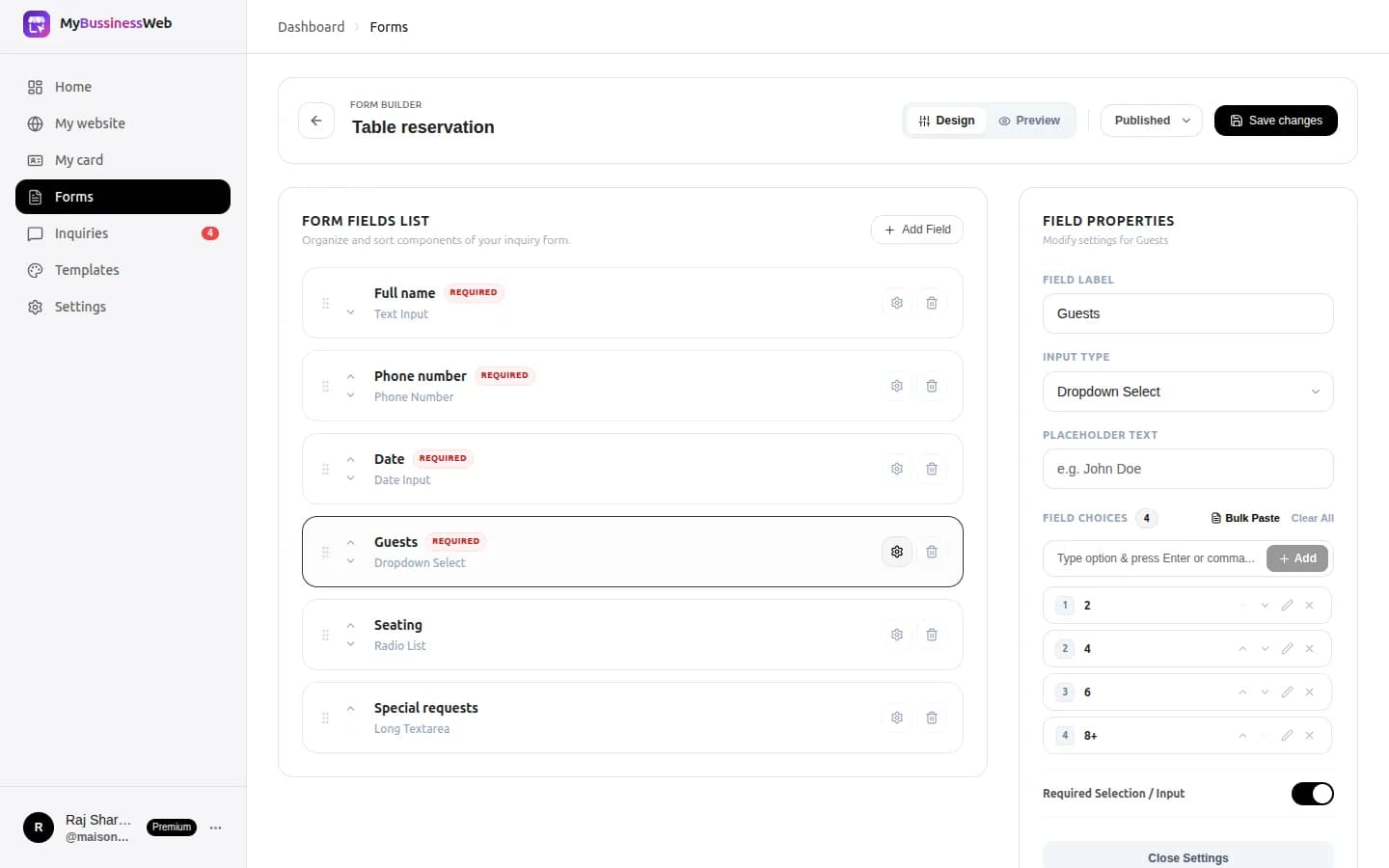
- Caterer: event date and number of guests.
- Tutor: class or grade, and subject.
- Interior designer: city, property size and budget range.
Use dropdowns and choices instead of open text where you can. They are faster to tap on a phone and easier for you to read.
03Write a clear button and a reassuring line
“Submit” tells the customer nothing. Say what they get: “Get my free quote” or “Check availability”.
Under the button, add one line that removes doubt - “We reply within 2 hours, 9 am to 8 pm” - and only promise what you can keep.

04Put the form where people are ready
Your contact page should always have the form, next to your map and hours. On a service page, a short “Get a quote” button that leads to the contact page keeps things tidy.
- Keep the form near the top on a phone, not below a long block of text.
- Show your phone and WhatsApp next to it for people who would rather call.
- Test it on your own phone: can you fill it in with one thumb?
05Answer every inquiry from one inbox
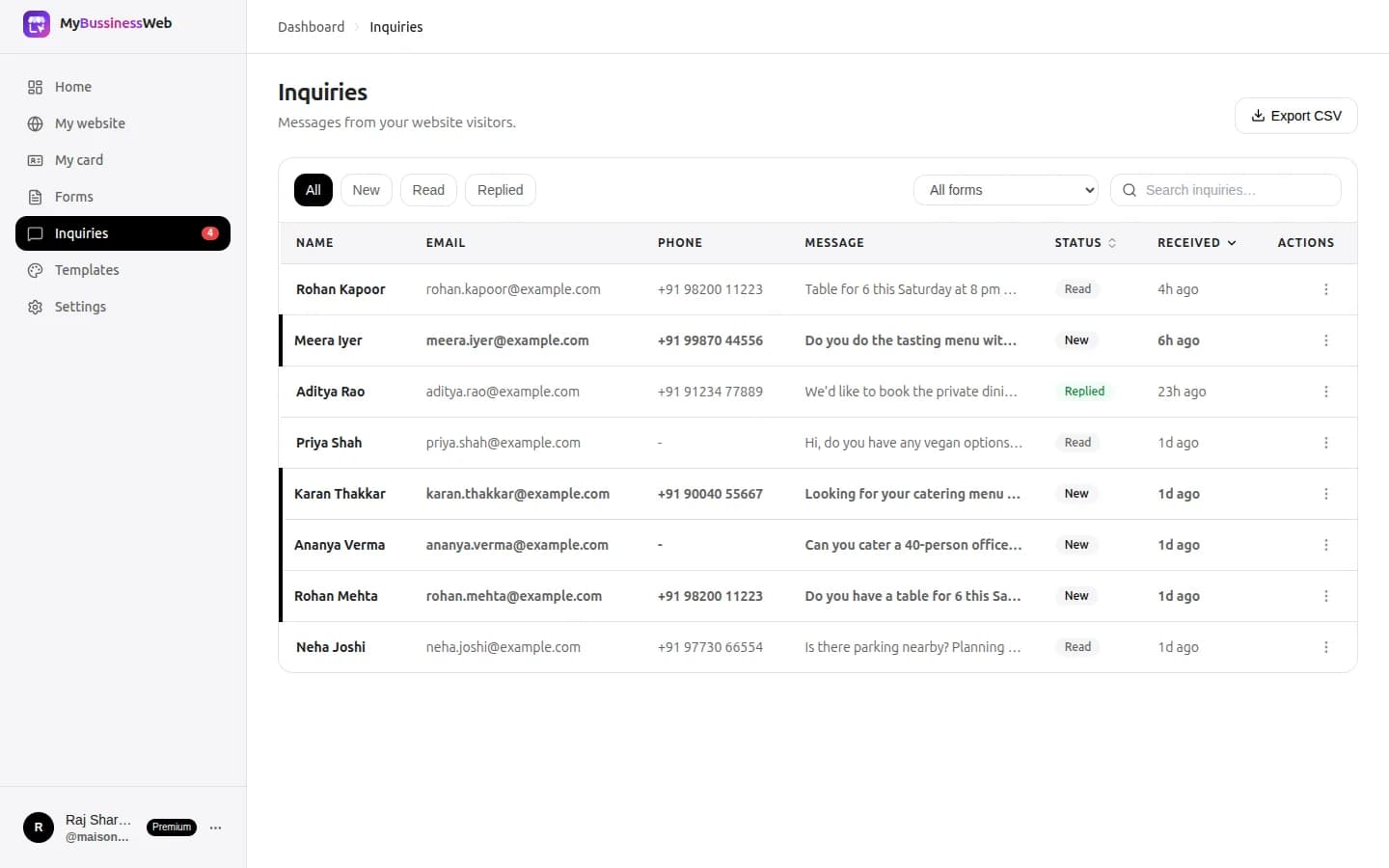
A form is only as good as the reply. With OREYM forms and inquiries, you build forms in the editor and every inquiry lands in one inbox. On a phone, each one has Call and WhatsApp buttons, so you can respond in seconds.
06Your checklist
- Four fields or fewer: name, phone, service, message
- One or two questions that help you quote
- A button that says what the customer gets
- A reply-time promise you can keep
- Form on the contact page, beside your map and hours
- Tested on a phone with one thumb
- Fixed times each day to answer inquiries
Common questions
How many fields should a contact form have?
For most local businesses, three or four: name, phone number, the service needed and an optional message. Ask anything else in your reply.
Should I ask for email or phone number?
Ask for a phone number first. Most local customers prefer a call or a WhatsApp reply; make email optional unless you send quotes by email.
Where should the enquiry form go on my website?
On the contact page, next to your map, hours, phone number and WhatsApp. Service pages can link to it with a short “Get a quote” button.
Written by Sahil Patel
Product & growth, OREYM
Sahil works with shop owners, clinics and service businesses across India on getting found online and turning visitors into enquiries.


