
Imagine this: your website has been up for three years, a customer calls to say it shows an old phone number, and your designer has stopped answering. You ask for the login and find that the domain is registered in their name, the hosting is on their account and you have no copy of the files. You do not own your website. You have been renting it from someone who can walk away. This happens often, and it is easy to prevent. These six checks take an hour before you pay, and they matter more than the design.
01What “owning a website” actually means
A website is four separate things, and each one can belong to a different person.
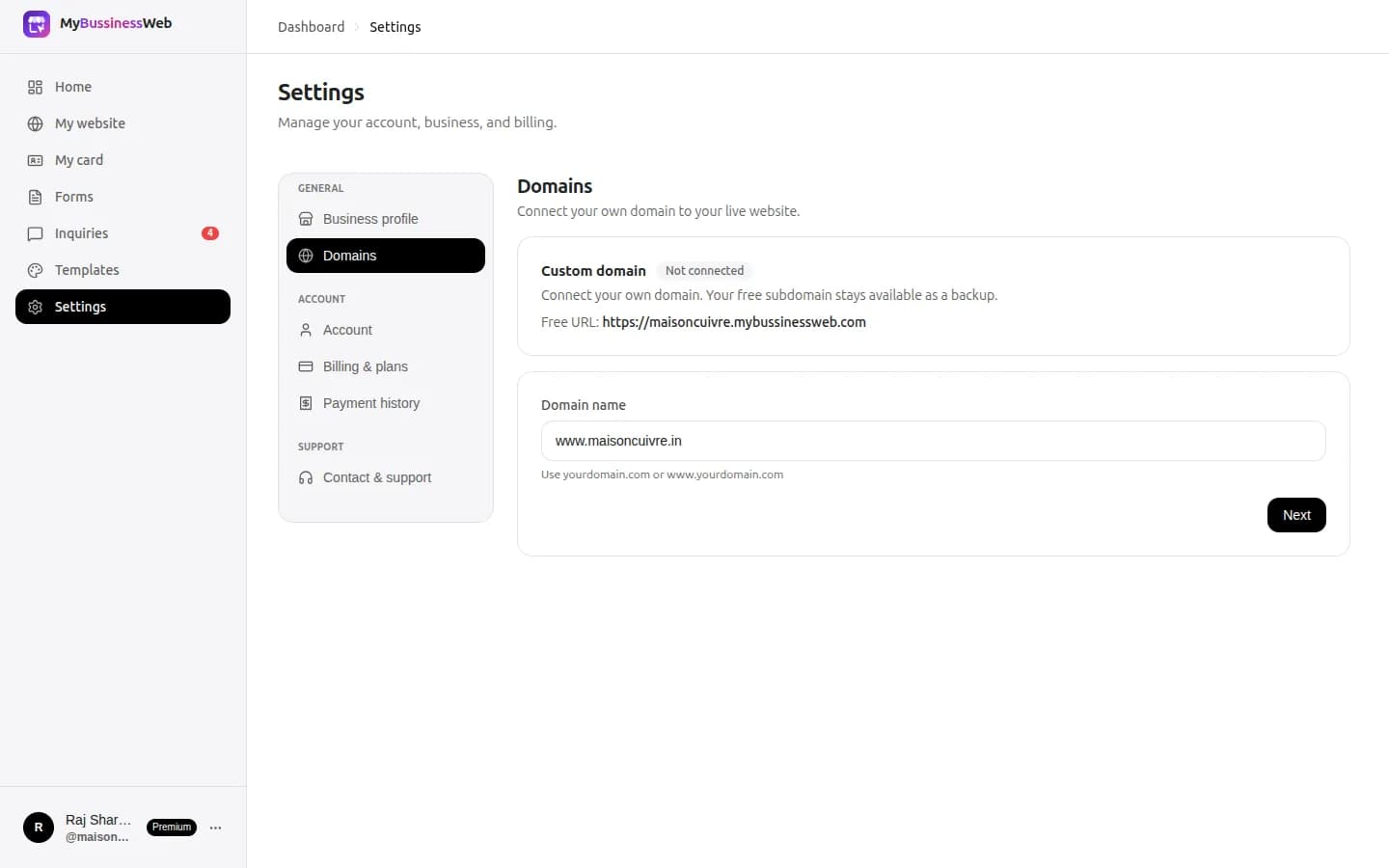
- The domain name, such as `yourshop.in`. It is your address. Whoever is listed as the registrant is the legal holder.
- The hosting, the server that keeps the site online, usually an account with a hosting company or a builder.
- The content and design: your text, photos, logo and the files or settings that make the pages.
- The logins: the admin access to the website editor, the hosting panel and the domain account.
You are safe when you hold the domain in your own name, you can log in to the places the site runs, and you can get a copy of the content. Miss one and you can be stuck.

02Check 1: Is the domain registered in your name?
This is the most important check. A designer who registers the domain for you often puts their own name or email on it, for convenience.
- Look up your domain in a WHOIS or RDAP lookup. Many registrars hide personal details for privacy, so you may only see a registrar name. In that case, ask the registrar or the designer to show you the account, with your name and email as the registrant.
- Ask: “Is the registrant my business name and my email address?” If not, ask them to change it today.
- Make sure the contact email on the domain is one you can read. Renewal notices and transfer codes go there.
- Set a calendar reminder for the expiry date, and turn on auto-renew if you can.
03Check 2: Whose account is the hosting on?
If your site runs on the designer's server or reseller account, you depend on them for uptime, changes and renewals.
- Ask: “Which company hosts the site, and is the account in my name?”
- If the designer hosts many clients on one account, ask what happens to your site if they stop paying or close.
- Ask for a written price for hosting this year and next, and what is included, such as HTTPS and backups.
- Check that the site opens over HTTPS with a padlock, and ask who renews the certificate.
04Check 3: Can you get a copy of your content and files?
If the site is in WordPress or a builder, you need to be able to take your words, photos and pages with you.
- Ask: “If I leave, what exactly do I receive?” Files, a database backup, an export, or only screenshots.
- Ask who owns the design and the code. Some agencies keep rights to a custom design until you pay in full, or even afterwards.
- Keep your own copies of your logo, photos, price list and text in a folder you control, in the original quality.
- Ask for a full backup at handover and again every year.
Photos you took and text you wrote are yours. A template or design the designer licensed may follow the template's licence. Ask to see it.
05Check 4: Do you hold the logins?
- You need a login to the website editor or admin panel, the hosting account and the domain account.
- Ask the designer to add your email as the owner in each, instead of sharing one password.
- Use a password manager or a sealed note, and keep a spare in a safe place in case you lose your phone.
- Turn on two-step verification on the domain and email accounts.
- When a designer or employee leaves, change the passwords the same day.
06Check 5: Can you change things yourself, and what does it cost?
A site that only the designer can edit is a site that goes out of date. A new phone number or holiday timing should not cost money or take a week.
- Ask: “Can I change text, photos and prices myself?” and watch them show you.
- Ask for the price of changes you are likely to need: a new page, a new photo, a new service.
- Ask for the total cost for year one and year two, including domain, hosting, maintenance and any monthly fee.
- Look out for auto-renewing add-ons you did not ask for.
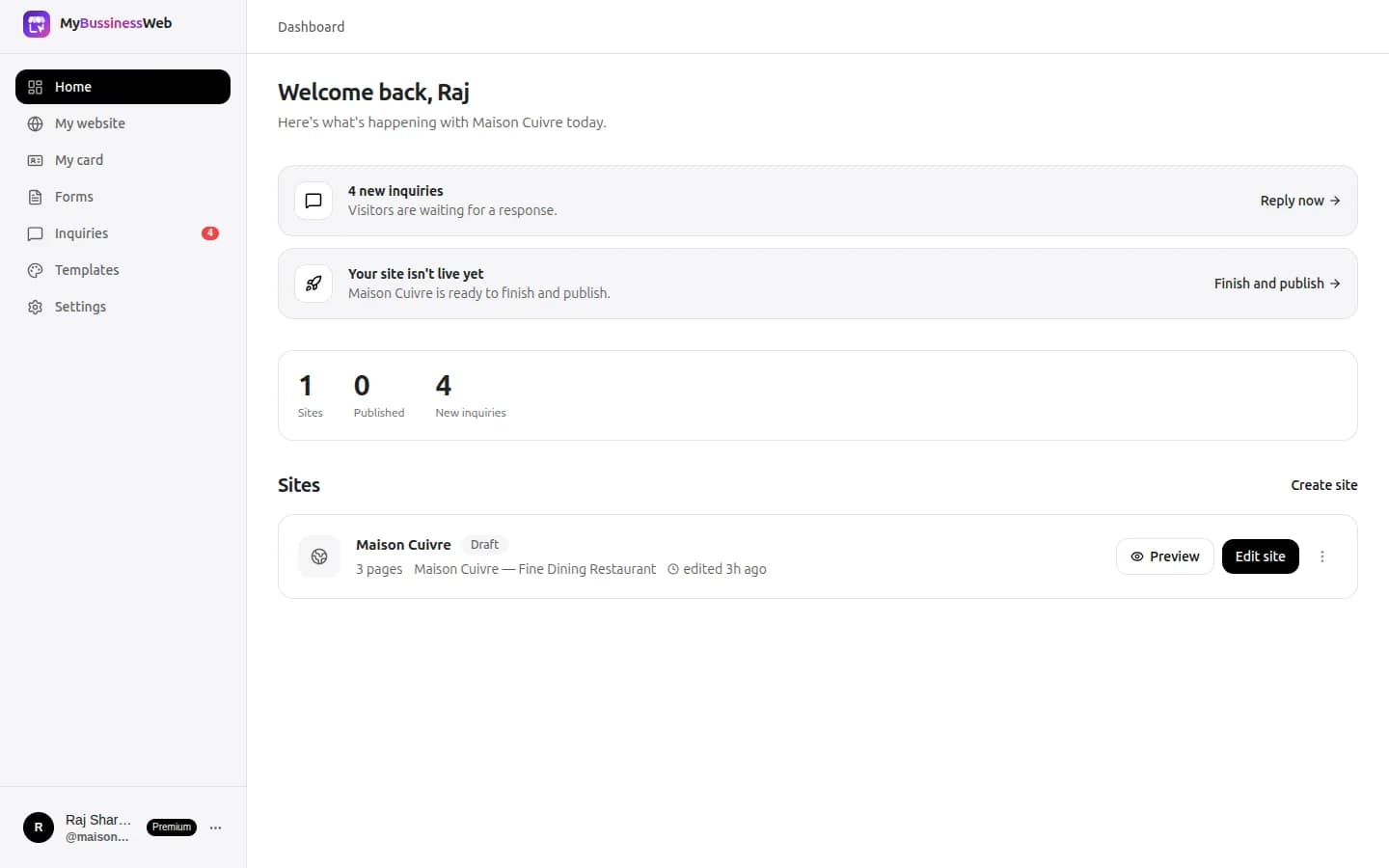
A visual editor, like the one in the website builder, lets you change the words straight on the page, with no designer needed for small updates.
07Check 6: What is the exit plan?
Ask before you sign: how do I leave, and what do I take with me? A good provider answers in one clear paragraph.
- Domain: you can transfer it to another registrar. Get the authorisation (auth) code from the current registrar. The registry does not give it to you.
- Notice and fees: is there a notice period, a cancellation fee or a charge for handing over files?
- Handover time: how many days to receive the files and the codes?
- Written terms: get the answers in the agreement or an email, not only on a call.
08If you already do not own your site
Do not panic, and do not attack the designer. Most of the time it is a misunderstanding or a missing email. Take these steps in order.
- Find out who holds what. Look up the domain, then the hosting company. Write down what you find.
- Ask politely, in writing, for the domain to be moved to your account, for the auth code and for a full backup of the site files. Copy your own email.
- Agree on a handover date and pay any fair outstanding bill, if there is one, in return for the codes.
- Save everything first. Download your photos, text and pages from the live site if you cannot get the files.
- Start a new site on your own accounts if the old one cannot be recovered. With a template, you can rebuild in an afternoon and connect your own domain.
- Take advice from a lawyer or your local business association if the provider refuses and the domain is in their name.
Do not buy a similar domain and redirect customers without telling them, and do not let the old domain lapse before your customers know the new address.
09Your ownership checklist
- Domain registered in my business name, with my email as contact
- Domain expiry date in my calendar, auto-renew on
- Hosting account in my name, or a clear written answer about who holds it
- A copy of my content, photos and a backup
- Logins to the editor, hosting and domain, with my email as owner
- Two-step verification on the domain and email
- I can change text, photos and prices myself
- Total cost for year one and year two in writing
- A written exit plan: domain transfer, files, notice and fees
Common questions
How do I check who owns my domain?
Use a WHOIS or RDAP lookup for your domain, or ask your registrar to show the account. Many registrars hide personal details, so ask the designer to show you that your business name and email are the registrant.
Can my web designer keep my domain?
If the designer is the registrant, they are the legal holder and you will need their cooperation to move it. Ask for the domain to be registered in your name before you pay, and ask for the auth code if you leave.
How do I transfer my domain from my web designer?
The current registrar issues an authorisation (auth) code, and you give it to the new registrar. Check the registrar's rules about changing the owner details, as some domain types add a 60-day transfer lock after a registrant change. For .in domains, the registrar, not the registry, supplies the code.
Do I own the website design and content my agency made?
Your own photos and text are yours. Ownership of a custom design or code depends on your contract, and a licensed template follows the template's licence. Ask for the terms in writing before you pay.
What should I ask a web designer before I hire them?
Ask who is the domain registrant, whose account hosts the site, what files you receive if you leave, whether you can edit the site yourself, the cost for year one and year two, and how to end the agreement.
Written by Sahil Patel
Product & growth, OREYM
Sahil works with shop owners, clinics and service businesses across India on getting found online and turning visitors into enquiries.


